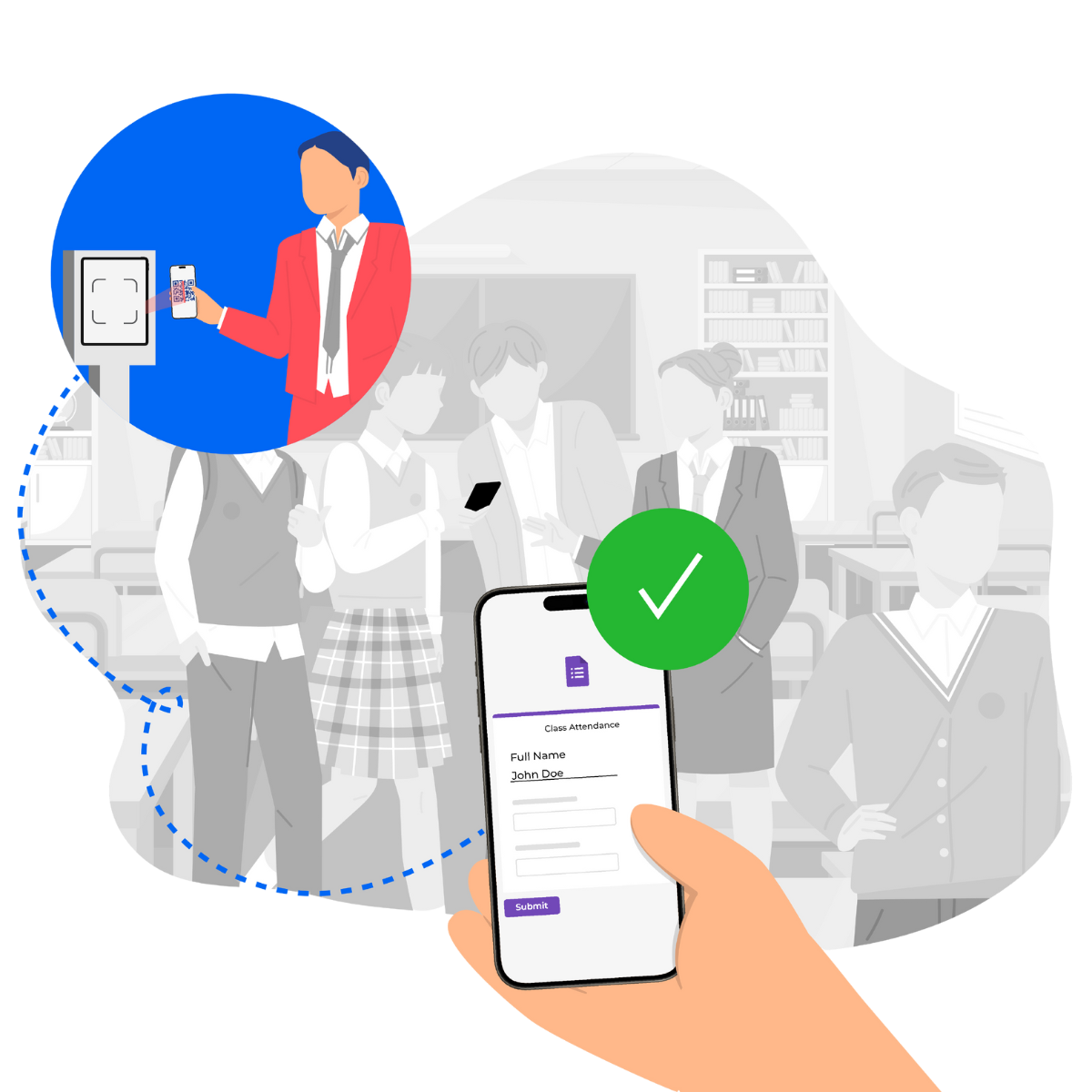
In the fast-evolving landscape of educational administration, efficiency and accuracy in attendance tracking are paramount. With the digital shift, QR codes have emerged as a powerful tool to streamline these processes.
Setting up attendance systems with Google Forms™ can be time-consuming and complex. Our step-by-step guide simplifies
QR code check-ins using Google Forms™ for you.
Benefits of Creating Personalized QR Codes
Personalized QR codes offer numerous benefits for organizers and attendees. By creating a unique QR code for each participant, organizers can ensure a seamless check-in process, significantly reducing entry time and eliminating bottlenecks.
These QR codes also improve security by minimizing unauthorized access and enhancing data accuracy by automating data collection. For attendees, this means a smoother, more enjoyable event experience without the usual hassles of manual check-ins.
How to Create Unique QR Codes for Every Student Using Google Forms™
Creating unique QR codes for each participant via Google Forms™ involves several key steps.